Context and problem
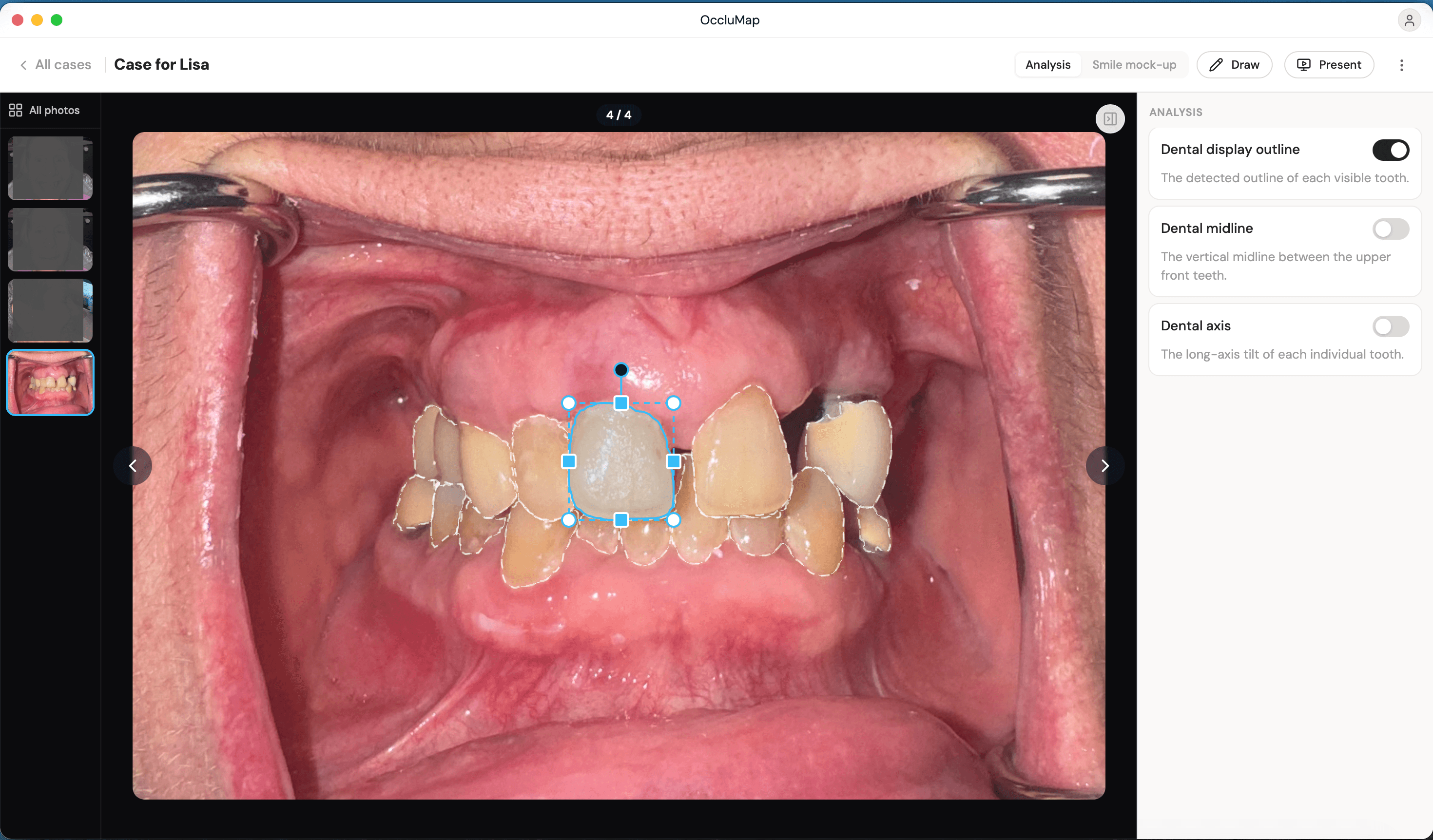
OccluMap gives clinicians a way to review and annotate intraoral photos across a case, several photos of the same mouth, taken from different angles, over the course of a treatment. Dentistry runs on exactly this kind of visual record. A case is not one photo, it is a set of them, and a correction that only applies to one photo in the set is a correction a clinician has to notice is missing everywhere else.
That was the recurring frustration when we took this on. Adjusting the outline of a single tooth only applied to the photo it was drawn on, so the same correction had to be repeated by hand on every other photo in the case. Tedious on a small case, and easy to simply miss a photo on a larger one, which meant the case record could quietly disagree with itself.
Some of what we learned about breaking a detail heavy, visual domain down like this carried straight into later healthcare work. See our work on GrowMyCare's own admin heavy workflow.
Approach
The obvious sounding fix is to give every tooth one identity, shared across every photo it appears in, and the research phase here was almost entirely spent establishing that this identity does not actually exist as data. The photos disagree with each other about what they are looking at, because the camera moves between shots. Angle, distance and lighting all change, and nothing in a single photo says this outline is the same physical tooth as that outline three photos over.
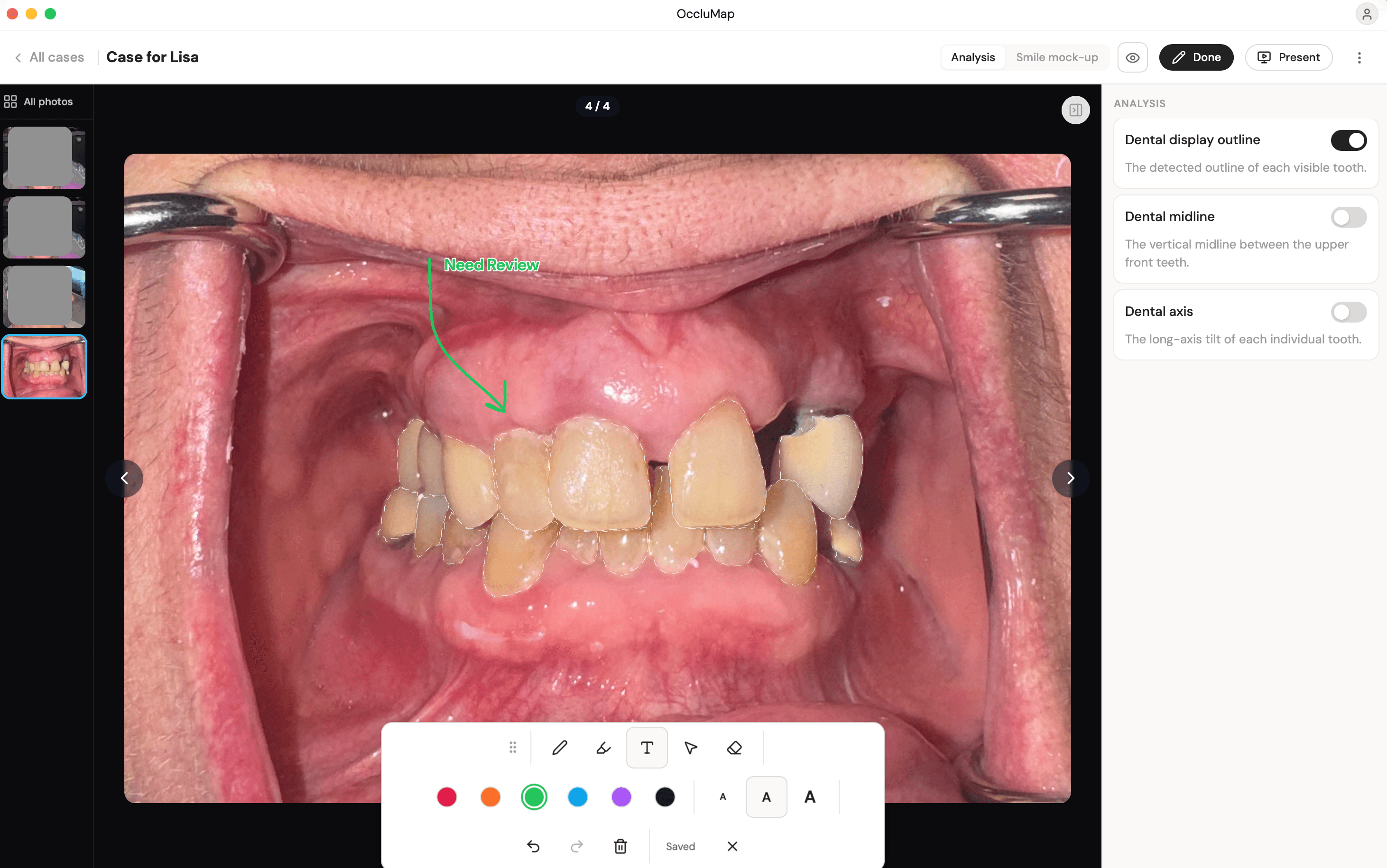
- Reviewed how outlines were actually stored: per-photo coordinates, with no cross-photo reference at all.
- Confirmed there is no reliable per-photo feature, angle, landmark or camera metadata, that consistently identifies the same tooth across a whole case.
- Found the one thing every photo in a case does agree on: dental notation, arch and position, which does not depend on how any single photo was taken.
That last finding reframed the problem entirely. The fix was not to match photos against each other. It was to stop keying corrections to a photo at all, and key them to the tooth's own dental identity instead, something every photo in the case can resolve independently of how it was taken.
| Approach considered | Why it didn't hold |
|---|---|
| Match tooth shape across photos automatically | Angle and lighting changes make shape an unreliable match key |
| Ask the clinician to manually link corresponding teeth | Adds a step to every case, exactly the tedium being removed |
| Key corrections to arch and position instead of a photo | Every photo already agrees on this, no matching required |
Scroll sideways to see every column.
What we built
Storing a correction relative to a tooth's identity instead of a photo
Adjustments are now stored keyed by arch and position rather than by which photo they were drawn on. Each photo, independently, resolves its own outlines by asking which tooth, in this notation, a region corresponds to, and applying whatever correction is on file for that identity. The photo does not need to know anything about the other photos in the case to do this.
Making a correction on one photo apply everywhere without a re-review step
Keying corrections to identity solves storage, but a clinician still has to trust that drawing a correction once is actually finished, not the first of several manual repeats. A stored correction now re-applies automatically to every photo in the case the moment it is saved. There is no separate propagate action, because the alternative was exactly the manual step this whole feature exists to remove.
Keeping per-photo transforms and per-case corrections from fighting each other
A photo can still have its own self-relative rotate and resize adjustment, the camera's own angle on that shot, layered on top of a shared correction that is true across the whole case. Getting the order of those two transforms wrong meant a shared correction could come out stretched or rotated incorrectly on any photo whose own transform was not identity. We separated the two explicitly. The case-level correction resolves first, in the tooth's own coordinate space, and each photo's self-relative transform is applied after, on top of it.
| Layer | Scope | Applied |
|---|---|---|
| Case-level correction | Whole case, keyed by arch and position | First, in the tooth's own coordinate space |
| Photo-level transform | One photo, self-relative | After, on top of the resolved correction |
Scroll sideways to see every column.
Outcome
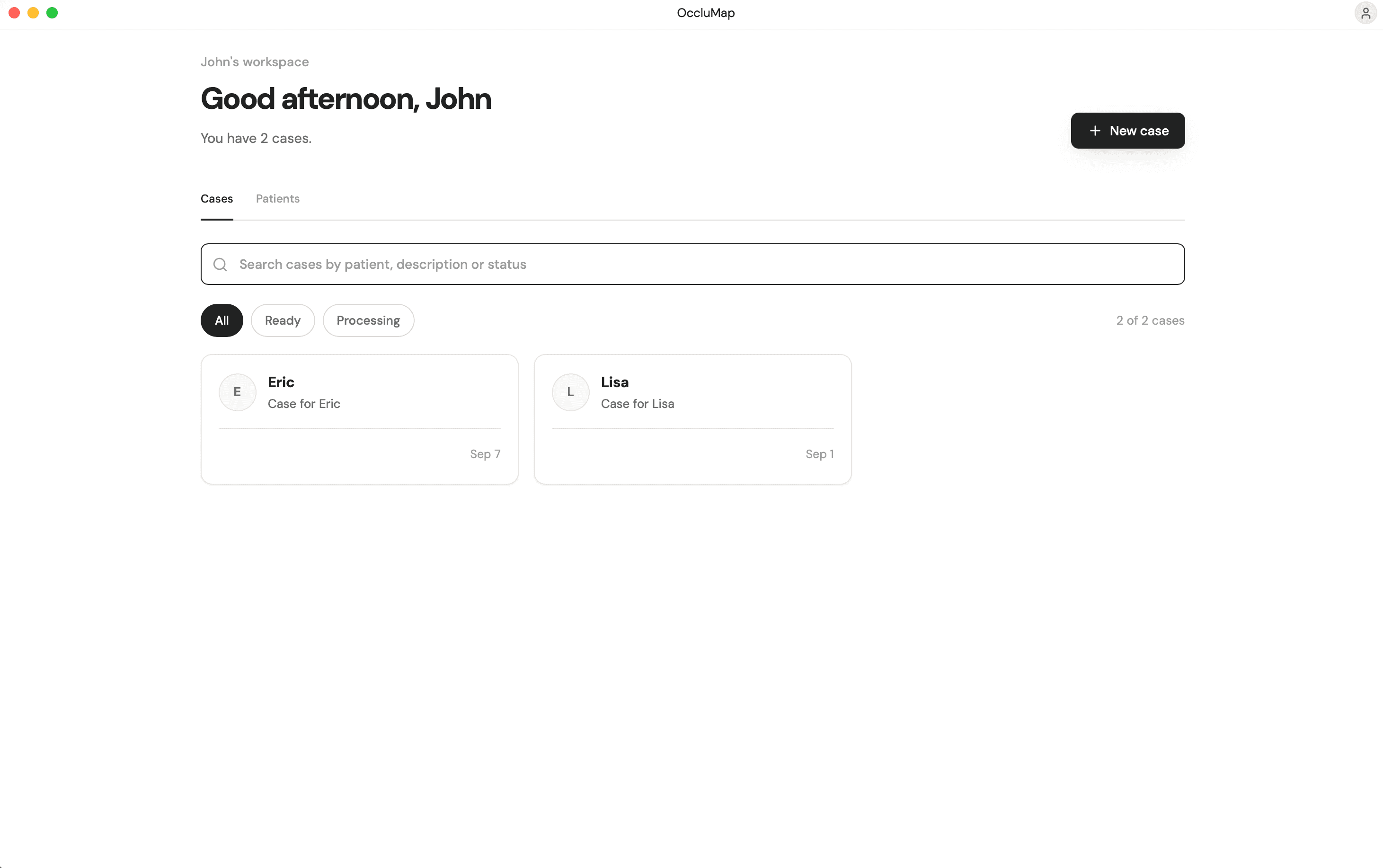
Clinicians make the correction once now, and it holds everywhere it needs to, across the whole case, on every photo, without a second pass to check nothing was missed.
Going all in for a domain that's hard to crack, they ended up doing a mini dentistry course through it. Loved working with Dispra Labs and we would continue for long term.