Context and problem
Leafy is a free Chrome extension for annotating live websites. You select a button, a chart or a line of copy on any page, leave a comment on it, and your team sees it, replies and resolves it, in real time, without leaving the page. It is built for product teams reviewing a staging site, and just as much for the people who read the web for a living: educators, researchers and anyone keeping notes on what they find.
The problem it starts from is an ordinary one. Feedback on a live page ends up as a screenshot in a chat, a sentence in a doc, or a description like the blue button near the top. By the time it reaches the person who has to act on it, it has lost the one thing that made it useful: which element it was about. The same gap exists, in a sharper form, for an AI coding agent that is asked to fix something it cannot see.
Approach
We designed Leafy around one rule: a comment should live on the thing it is about, and everything else should be a view onto those comments. That gave the product three surfaces, each answering a different question.
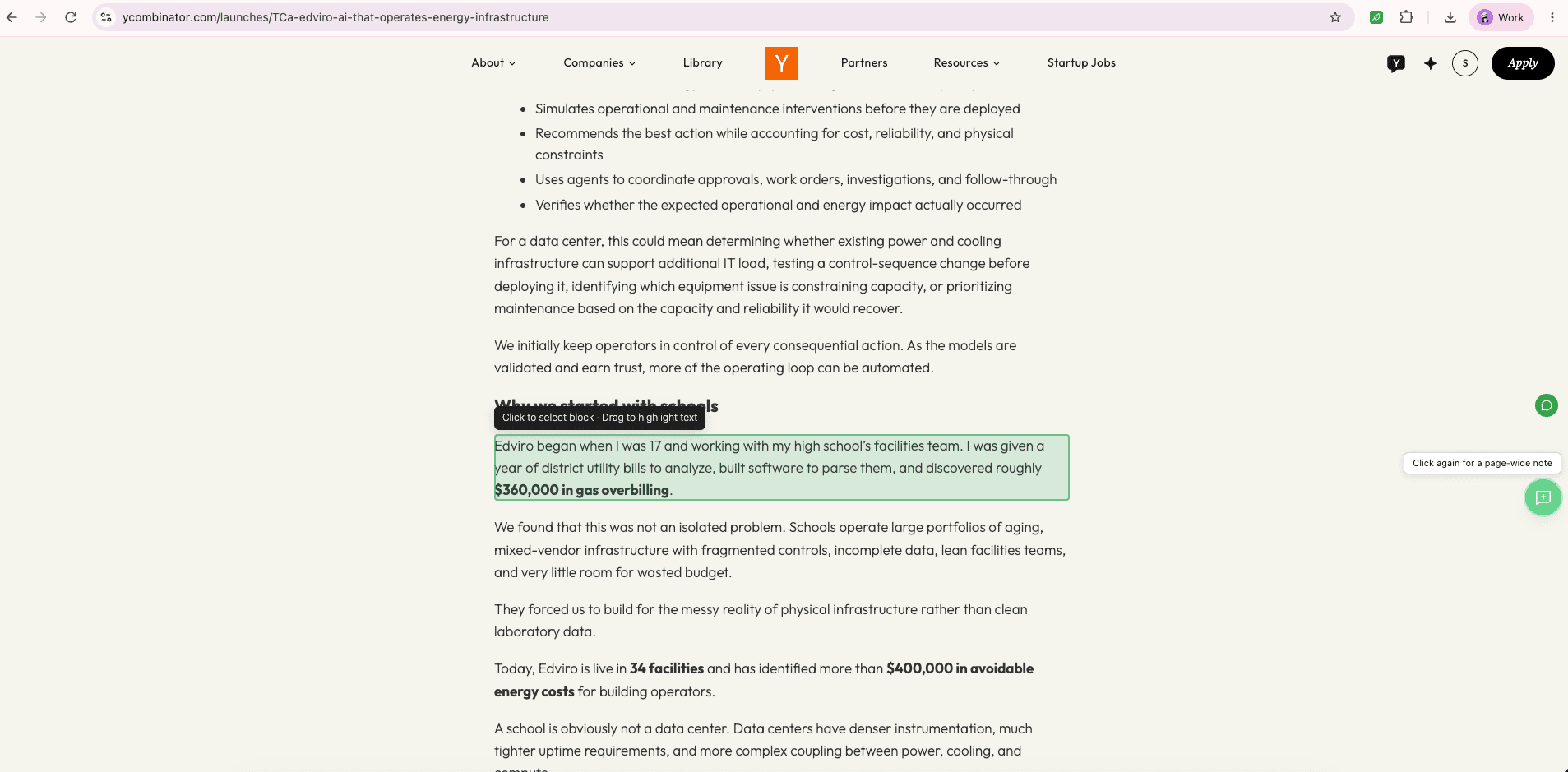
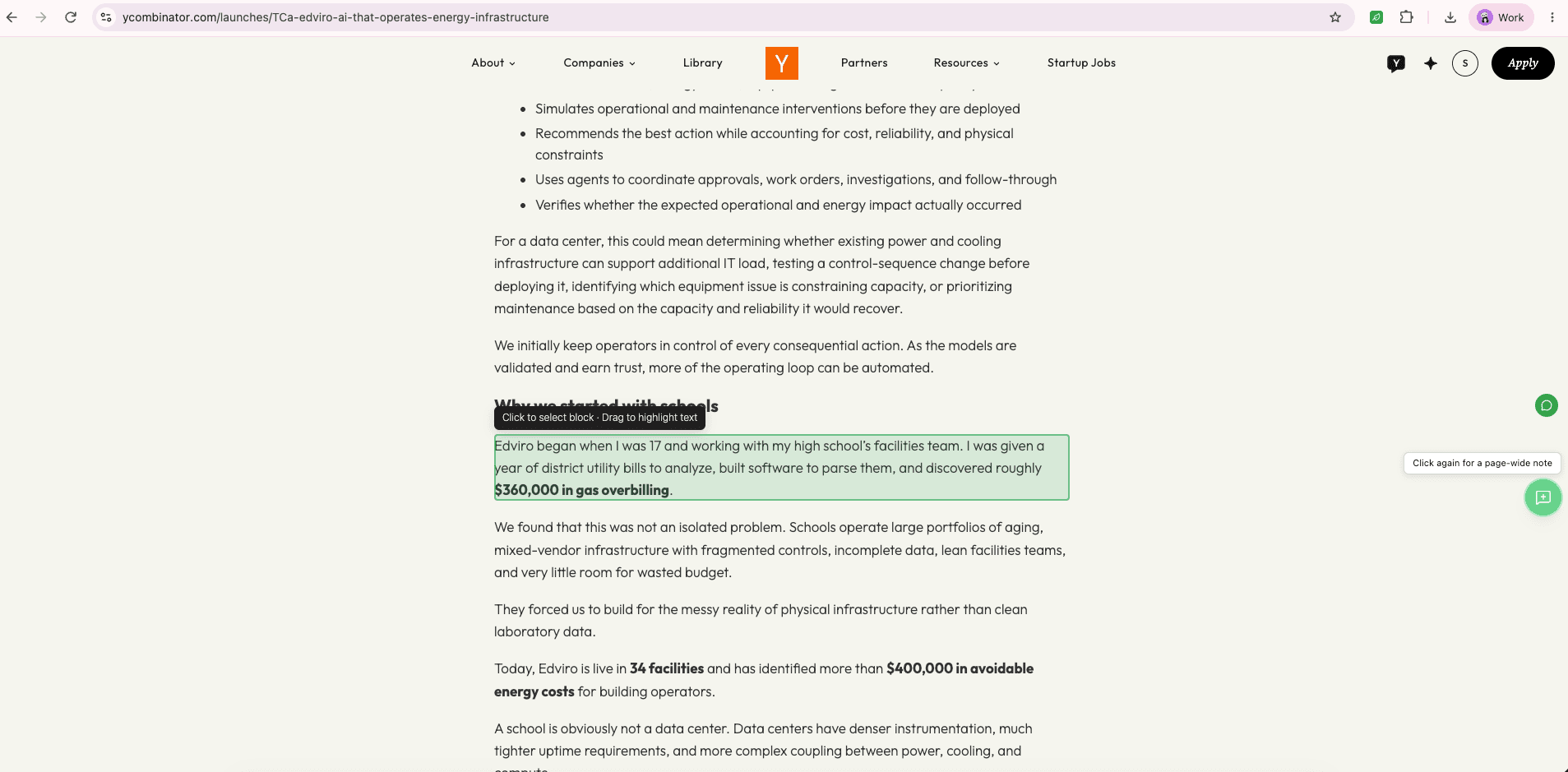
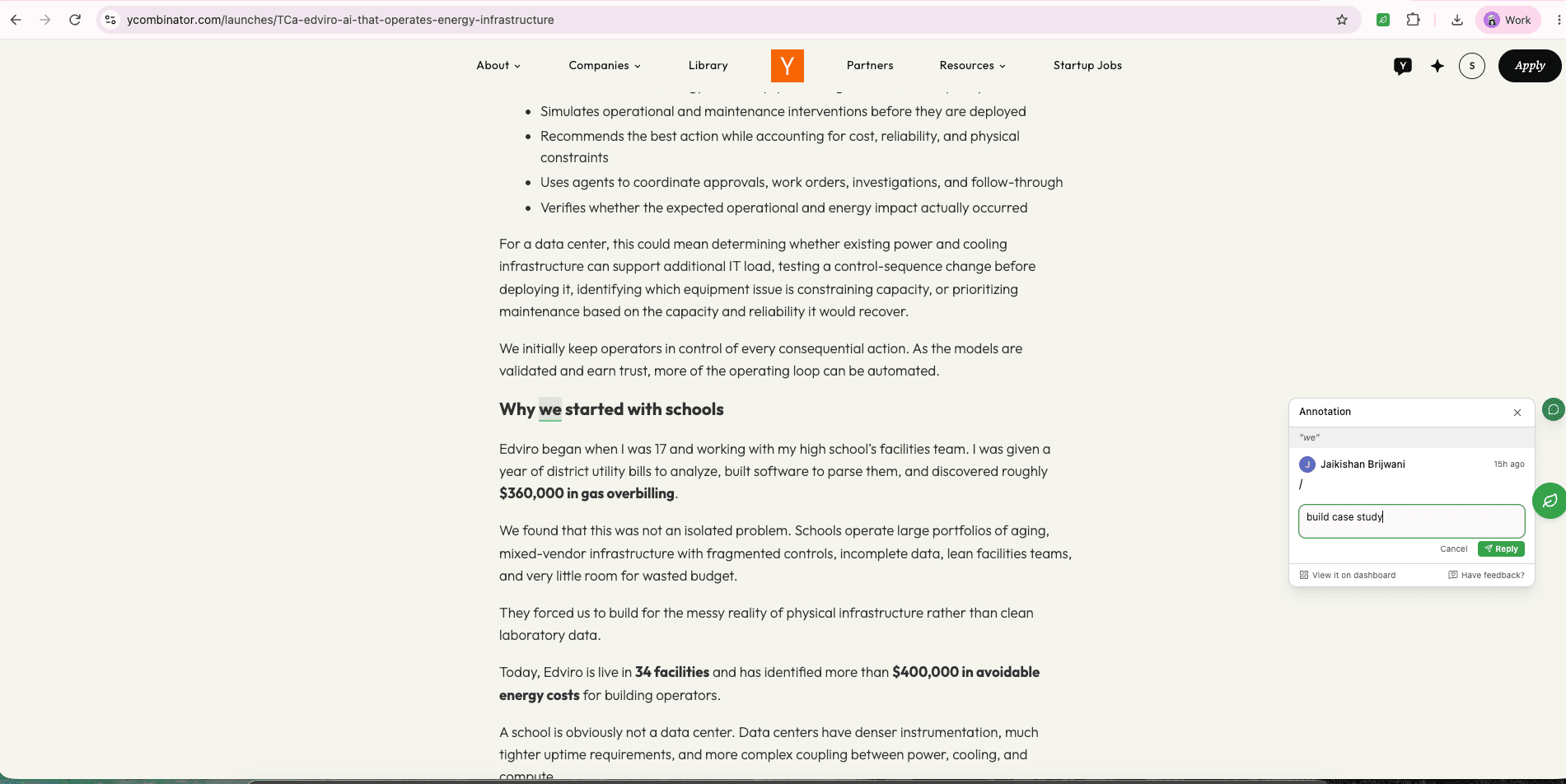
- On the page: select anything on a live site, comment on it, flag it as a suggestion, a question or a fix, and @mention a teammate.
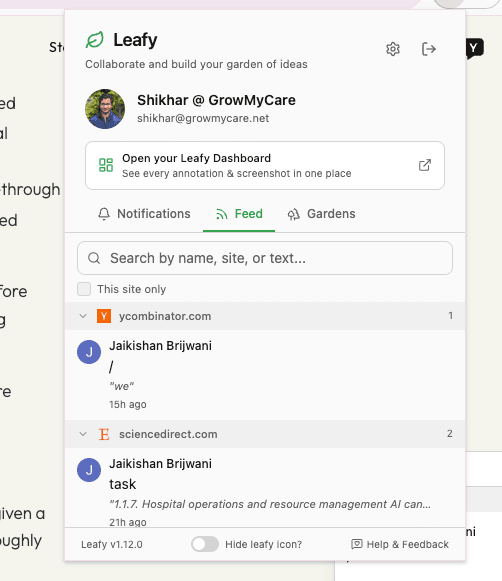
- In the extension: a feed of what has been said, notifications for mentions, and Gardens, the separate spaces that keep a team's product feedback apart from research notes or a class's annotations.
- In the dashboard: every annotation across every site in one place, filterable by site, author or status, with threaded replies and a way back to the live page.
Gardens are the part that lets one tool serve different people. The same page can carry one set of annotations for the engineering team and another for a study group, and switching Garden switches which set you see. Invitations go out by email, and the annotations are waiting as soon as the invitee installs the extension.
| What we built | What it's answering | What it looks like in practice |
|---|---|---|
| Comments pinned to elements | Feedback detached from what it is about | Select a block or a line of text on the live page and comment on it |
| Gardens | One tool, several audiences | Separate spaces for a team, a project or a class, each with its own annotations |
| A cross-site dashboard | Feedback scattered across tabs and tools | Every annotation in one view, filtered by site, author or status |
Scroll sideways to see every column.
What we built
Keeping a comment attached to something that moves
A live page is not a document. It re-renders, content loads late, and layouts shift between a laptop and a phone. A comment pinned by position drifts the moment any of that happens, and a comment that has drifted is worse than none, because it points at the wrong thing with confidence. Leafy anchors each annotation to the element itself and is built to keep it there when the page re-renders or the content moves, so a thread opened a week later still opens on the line it was written about.
Making feedback something an agent can act on
More and more of the people receiving feedback are not people. An AI coding agent told to fix the blue button near the top has to guess; handed the element, it does not. So Leafy can copy every annotation on a page as one structured prompt. Each comment carries the CSS selector, the XPath, the React component chain and an optional severity, which is what an agent needs to find the exact code. It works with Claude Code, Cursor, ChatGPT or any agent that takes a prompt, because the output is plain text rather than a connection to one of them.
Keeping a team's feedback in one place
A comment is only useful if the right person finds it. Mentions raise a badge on the Leafy bubble, notifications deep-link straight to the annotation on the page, and the dashboard groups everything by URL so a reviewer sees the context rather than a flat list. Grid and table views, search across text, author and site, and an auto-captured screenshot of the element on the Pro plan mean the conversation can be read without opening each page first.
| Challenge | What we did | What it delivers today |
|---|---|---|
| Comments that drift when a page changes | Anchored each annotation to the element, built to survive re-renders | A thread that still opens on the line it was about |
| Feedback an agent cannot locate | A copy-as-prompt export with selectors, XPath and component chains | One paste hands an AI agent the exact elements to change |
| Feedback scattered across sites and tools | Mentions, deep links and a cross-site dashboard | Everyone finds, answers and resolves the right comment |
Scroll sideways to see every column.
Outcome
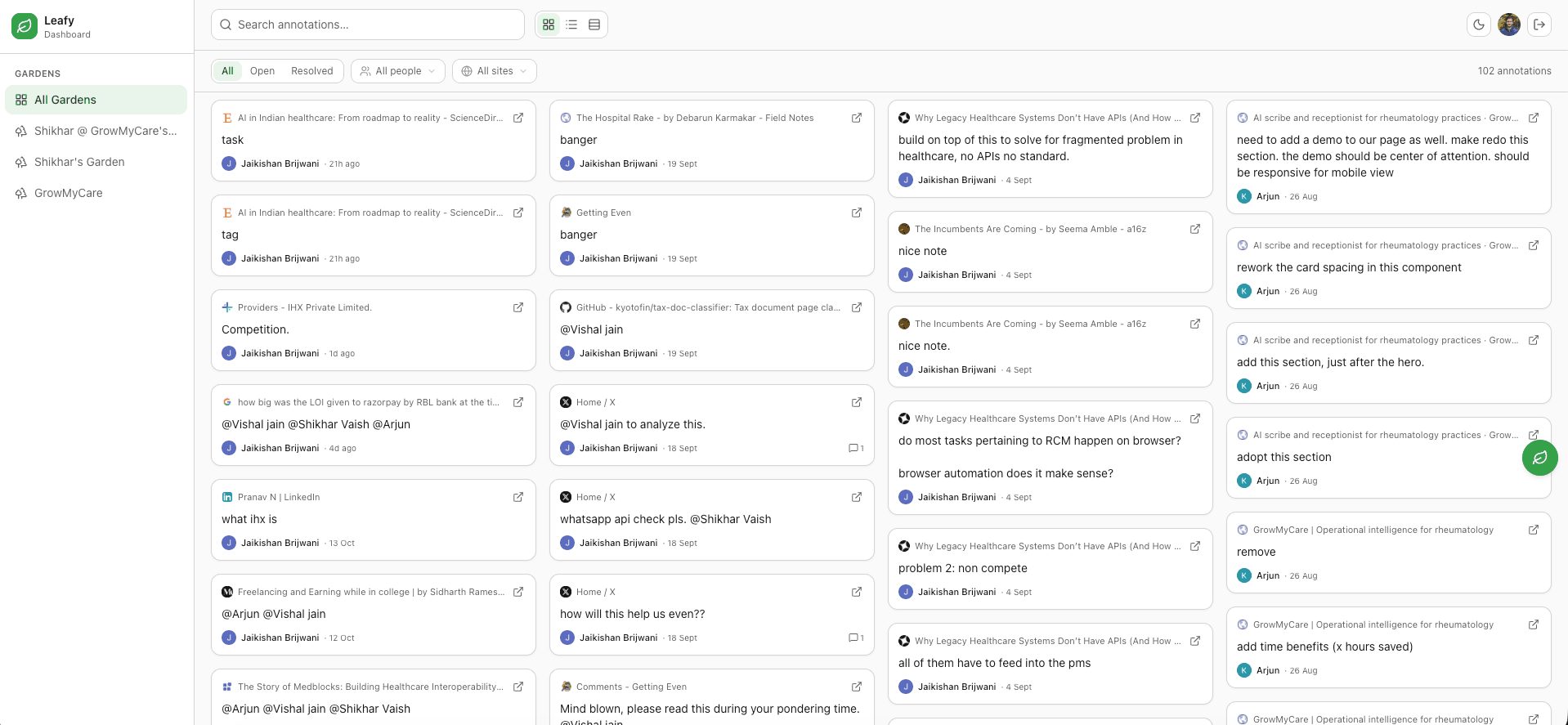
Leafy is live as a free Chrome extension with a Pro plan for auto-captured screenshots, and the site lists a 5.0 rating on the Chrome Web Store. A team can now leave feedback on the exact element, discuss it in a thread, resolve it, and pass the same annotations to an AI agent as a prompt. Slack, Teams and Google Chat notifications and an MCP server so agents can read and resolve annotations directly are on the roadmap.
The team helped kickoff my business gracefully, absolutely loved it! The best part is their checklist, brings transparency and confidence on day 1. They really know what they are doing.